
A translated file may be ready for its next stage while the person receiving it still lacks essential context. Which source version does it follow? Were any passages intentionally left unchanged? Does “final” mean language review is complete, or that the artwork has also been checked? A short handover note can answer these questions without forcing the next team to reconstruct the project from messages.
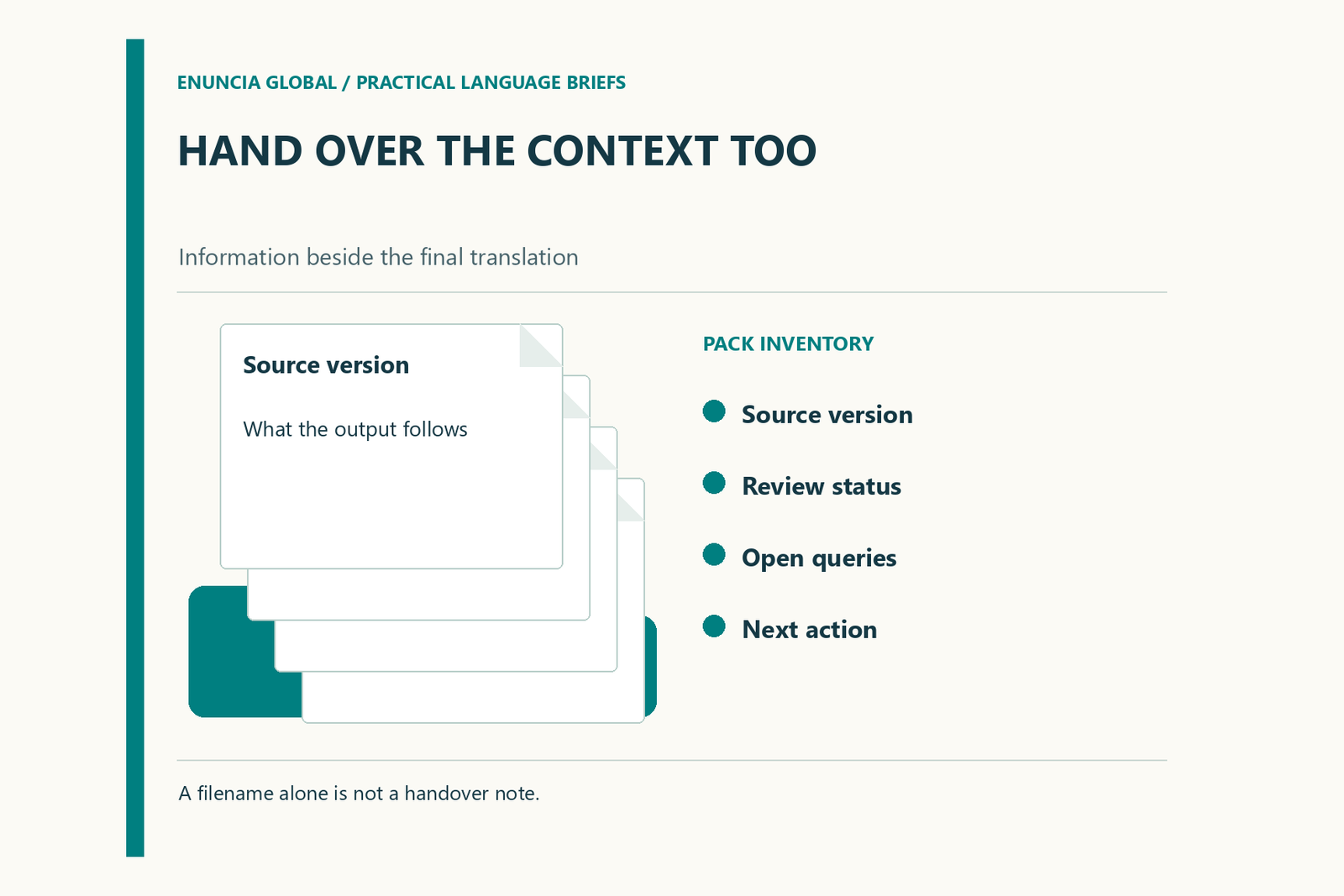
Write the note for someone who did not attend the review discussions. Include the decisions they need to use the files correctly, while keeping sensitive material in the approved project location rather than copying it into an unnecessarily wide email chain.
Start with the identity of the package
Identify the project, source revision, target language and intended deliverable. Name the files included, using their actual filenames. If an editable file and a reference PDF serve different purposes, explain the distinction.
Avoid a filename such as “final-final-new” as the only version information. A stable project reference and explicit revision field are easier to reconcile with a later update. If the source changed after work began, state which revision the delivered translation follows.
Handover note example
This fictional example illustrates the fields to complete. It is not a record of work performed for a customer.
| Field | Illustrative entry |
|---|---|
| Package reference | Training handbook, language edition B, revision 03 |
| Source followed | Approved source revision 08 supplied by the content owner |
| Included outputs | Editable handbook and reference PDF listed in the manifest |
| References used | Terminology list revision 04; approved role-name list |
| Review completed | Language review recorded by the assigned reviewer |
| Review still required | Final layout review after placement in the publishing template |
| Open query | Diagram 6 label awaiting the product owner's decision |
| Next owner | Named publishing contact responsible for the next proof |
Replace every illustrative entry with verified project information. If a field is unknown, mark it as unresolved. The note should reveal uncertainty rather than make the package look more complete than it is.
Explain choices that are easy to misread
List intentional omissions, retained source-language names and agreed treatment of unclear text. Explain where the final reader can find an accompanying note or reference. Do not include a long narrative of every drafting change; focus on decisions that affect use, review or future revision.
Where a term was approved for a specific context, point to the glossary entry. This prevents the next team from undoing a deliberate choice because it differs from another document. Keep comments that explain unresolved meaning separate from comments about visual preferences.
Describe review by responsibility
Use precise status language. “Language review complete” is different from “technical owner approved” or “rendered pages checked”. Name the person or role responsible for each outstanding aspect and identify whether it prevents release.
If a review was limited to changed passages, record that scope. Do not let a partial check turn into an implied endorsement of the entire source, business content or submission requirements. The next team needs the practical boundary of what has been checked.
Make the next action easy
End with the requested action, owner and relevant file. For example, the publishing team may need to place the translation, produce a proof and return the pages containing diagrams for review. That is more useful than “please proceed”.
Before sending the package, compare the note with the actual folder. Check that referenced files exist and that superseded review copies cannot be mistaken for the intended deliverables. Use this structure when discussing translation deliverables so that the final file arrives with the context needed for a reliable handoff.
Request a quotation with your document type, language pair and written requirements.