
A hypothetical operations team has approved English replies in Outlook to chase missing customer documents. The saved emails have a subject line, explanation, portal link and reference to an attachment. The translation of Marathi Outlook OFT template will include the whole message so that it opens up properly in the Outlook email client and does not give the customer wrong impression as to what action they need to take.
Is It a Saved Template or Just Reusable Text?
Determine where your translated email will be stored by your staff for future use. Microsoft email-template guidance gives steps for Mail Templates that include recipients, subject lines, body copy, formatting and attachments as well as My Templates snippets for short copies of text that can be used over and over again. Create and save My Templates in different versions of Outlook such as new Outlook, classic Outlook and Outlook on the web using different steps in the menu. To save a full email template in classic Outlook, save an Outlook Template file using File > Save As > Outlook Template.
Microsoft OFT file guidance describes a saved email draft with subject line, greeting, body text, formatting and even attachments. The new Outlook for Windows and web versions can download, add and share these OFT files between users who have qualifying Microsoft 365 accounts. However, there are limitations on how these files can be used and by which accounts, so it is crucial to establish what version of Outlook your team is using and what type of accounts they have.
Keep the Message Accurate, Including Everything Around It
Once the file type has been established, determine all parts of the email that will be translated (body text, subject line, greeting, signature, footer, etc.). Make sure the translation of the header, legal disclaimers, etc. read well and are completed in full.
Although approved personal names, street addresses, phone numbers, reference codes, prices, offer terms and conditions, URLs and email addresses need to be left unchanged in the translated version, it is equally important to make sure that the Marathi language used in the translation reads very well and is appropriate for the target audience. An offer or guarantee must have same weight in the translation as it has in the original English version. Also, a condition that has to be verified by the recipient needs to be worded in a non-misleading manner in the Marathi translation as well.
Be aware of wordings that are considered vague in English. For example, saying that ‘documents will be received’ without specifying which documents, requires verification with the client’s operations team. Even seemingly insignificant additions to help the customer service agent can create unexpected obligations that were not approved by the client. Any bracketed source text markers must also be checked with the owner of the source text to determine what they are for. Many of these are simply to indicate where the agent is supposed to manually insert details for you, and will not magically fill in the corresponding placeholders in the translated saved template.
Open a Fresh Draft, Not Just the File Preview
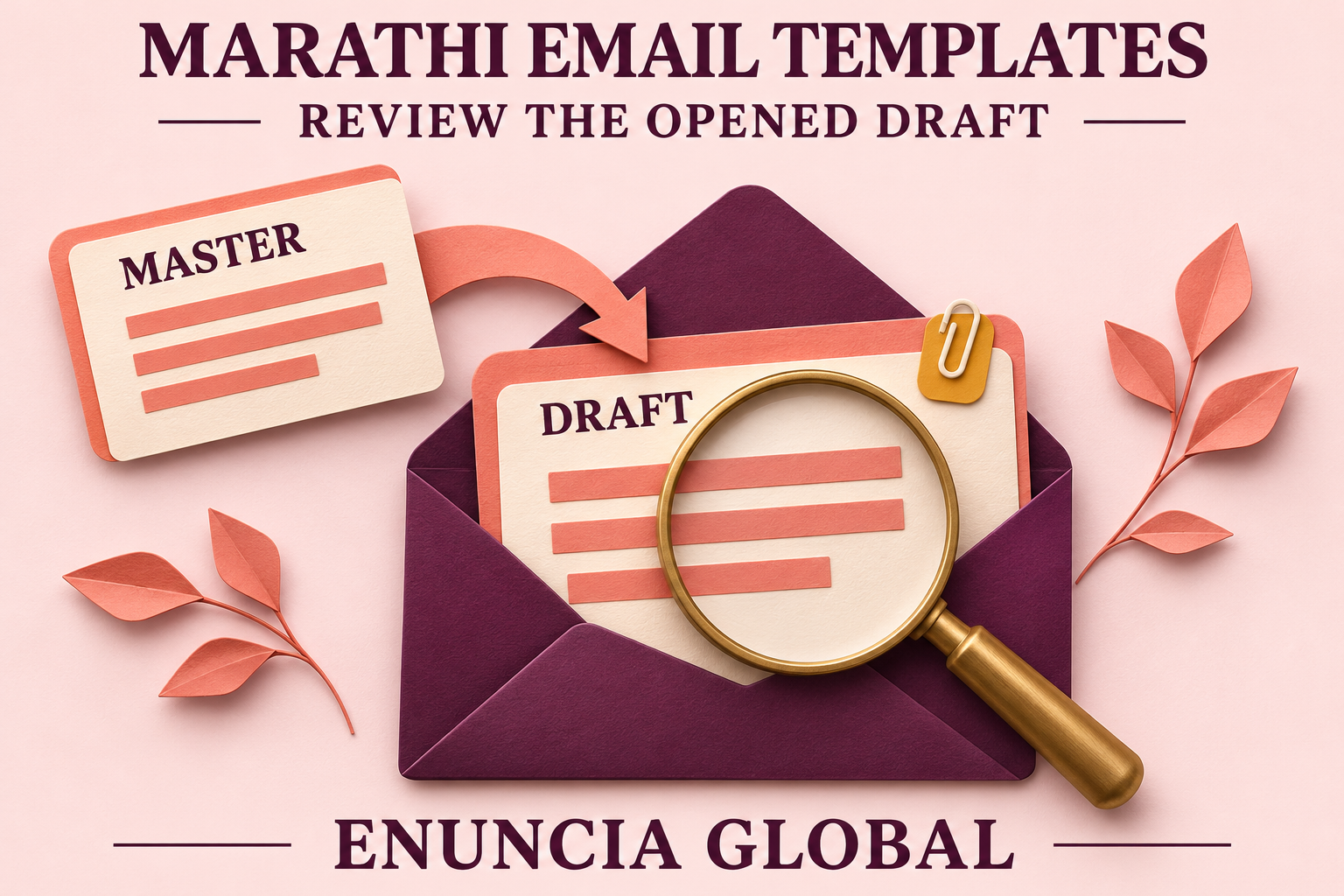
Microsoft template-use guidance explains that opening a saved template in new Outlook creates a message draft. Changing recipients, subject or body in that draft does not update the saved master template. Saving the draft does not update it either. Follow the proper template-saving workflow to revise the reusable master.
Review a translation of an English email stored as an Outlook template by opening a completely new Fresh Draft from the saved Marathi template. The new Fresh Draft should be opened in the exact same version of Outlook and with exactly the same configuration as you intend to use the template. Fill the new email’s Message with authorized ‘dummy data’ (i.e. dummy names, addresses, phone numbers etc.) and NOT with real customer data that could accidentally get sent out to them. Ensure that destinations in the new email Message are left unchanged and that the new email is NOT sent. Review every part of the new email Message one by one:
Check subject line is complete and greeting is correct for the recipients.
Test hyperlinks, signature blocks, headers and footers.
All references to any attachments within the email body must correspond exactly with the file names of the attachments actually included in the template.
Also, when reviewing the translation, make sure that all tables, line spaces and margines are properly rendered and that the Marathi text does not spill over to the next column if it is too wide. Make any approved changes to the layout within the agreed scope and ensure that the changes do not compromise any part of the condition or the deadlines.
Ensure all modifications are done to retain the condition and/or deadline and store the approved English master file against the approved Marathi master file. Compare the Marathi template with the current version of the English email.
What Should Go With the File?
Please send us the editable source file (OFT) or current approved message material for a quotation. We would like to know which version of Outlook and account your team uses. Information regarding the intended audience, wording in scope, approved Marathi terms and authorized dummy details would also be appreciated. What output are you looking to receive and by when? Are there any privacy/ file access restrictions we should be aware of regarding customer material?
Also confirm whether it is your staff that will input the Marathi wording into the saved template, and if any separate technical checks are required. Enuncia Global can then review the source material and advise on feasible language work, the required output and associated time-scale.
For more related customer correspondence please see the following pages: Marathi Translation Services in India and Business Translation Services. You can send your project details to info@enuncia.global or use the Get Free Quote form.