
A revised lesson can leave an old answer in the quiz, an outdated label in the subtitles or a spoken instruction that no longer matches the slide. Treat the lesson as a connected set of assets. When the source changes, identify the dependencies before sending only the edited paragraph for translation.
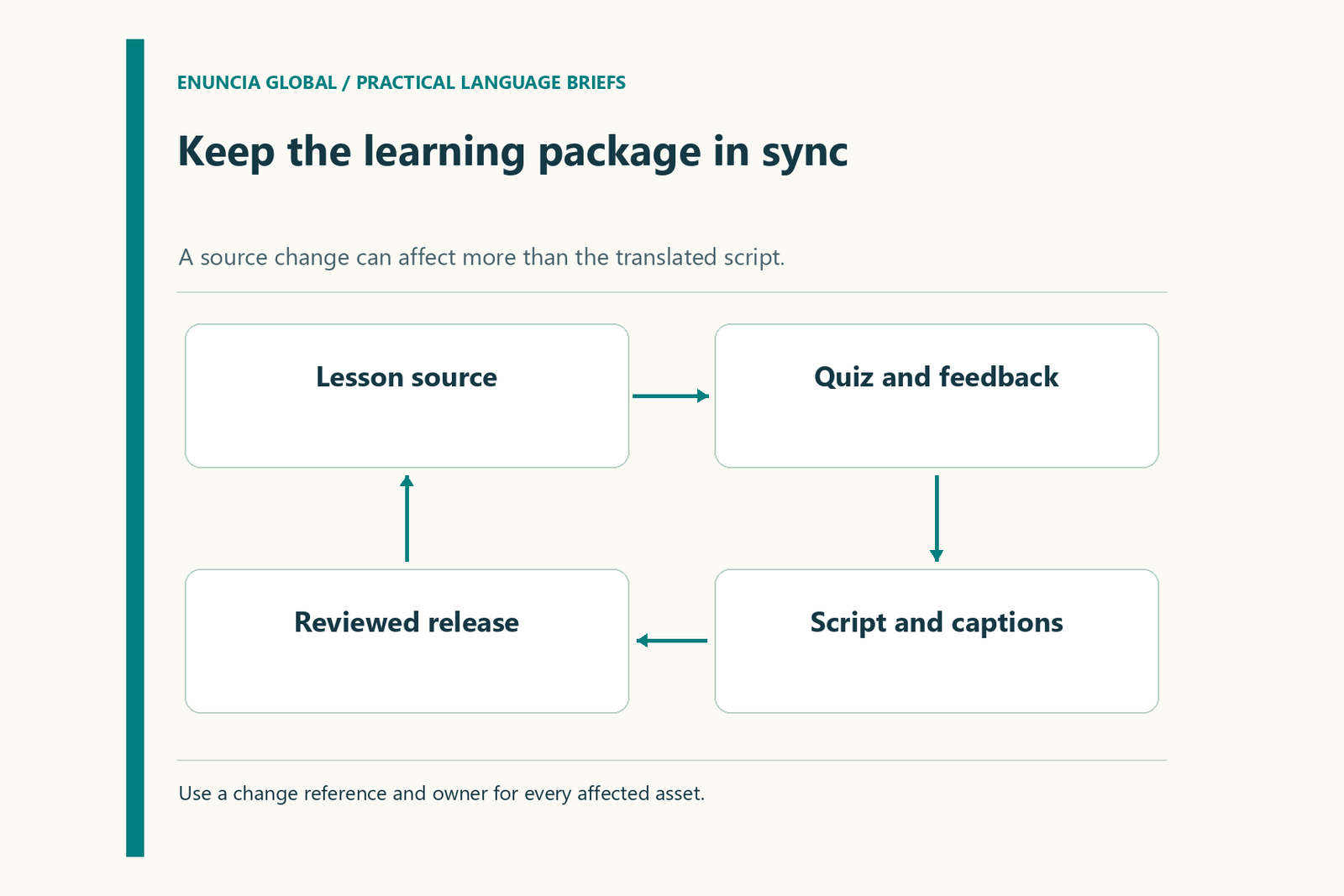
Start with the approved learning objective and the current asset inventory. Include slides, script, recording, subtitles, handouts, questions, answer keys and feedback. Name the owner who can decide whether a change affects the substance of the lesson or only its presentation.
Describe the change precisely
Record the old and new source wording, the reason for the edit and the approved revision. Distinguish a new example from a corrected procedure, a terminology change or a changed assessment answer. Each may affect a different set of materials.
If the effect is uncertain, mark it for review rather than assuming the update is local. A single renamed concept may appear in a slide heading, narration, glossary and quiz feedback even when the learning objective remains unchanged.
Learning change-control map
The fictional examples below illustrate dependencies to investigate. They do not describe a real training programme.
| Source change | Assets to inspect | Decision owner | Evidence of completion |
|---|---|---|---|
| A process step is revised | Script, slides, subtitles and handout | Subject owner | Approved wording in each affected asset |
| A term is renamed | Glossary, narration, questions and feedback | Content and language owners | Consistent approved terminology |
| A quiz answer changes | Question, answer key and response feedback | Educator or assessment owner | Reviewed answer logic |
| A video section is re-edited | Subtitle timing and scene references | Video editor and language reviewer | Playback against the new master |
| A supporting link changes | Lesson page, handout and completion message | Resource owner | Tested destination and version |
Add the affected languages, status and next action. A revised source file is the beginning of the update record, not evidence that all dependent outputs are complete.
Keep educational decisions with the right owner
Ask the subject or assessment reviewer whether the change alters what the learner must understand or demonstrate. If it does, revisit the related questions and feedback rather than translating them as though the earlier logic still applies.
Record adaptations separately from language corrections. A translator may flag a problem, but the decision to change an example, correct an answer or remove a learning step needs the appropriate content approval.
Coordinate the language work
Issue one change record to the relevant language teams, with the approved source revision and references. Keep terminology decisions visible and identify which versions have incorporated them. Avoid separate informal instructions that leave different locales following different answers.
When a late revision arrives, update the map and identify work already reviewed or implemented. Ask the release owner whether affected approvals need to reopen. Do not carry an earlier sign-off onto content the reviewer has not seen.
Review the learner's sequence
Play the revised lesson, follow the instructions and attempt the related assessment through the approved test route. Check whether slides, speech, subtitles and feedback refer to the same concepts. Use permitted test data and keep technical functionality checks with the responsible team.
Deliver the updated assets with a manifest and a concise list of completed reviews. Bring the change-control map to a learning localisation discussion. It helps the project owner see how one source decision travels through the lesson instead of discovering inconsistent versions after learners have already encountered them.
Request a quotation with your document type, language pair and written requirements.