
The paragraph count can be complete while the document inventory is not. A chart legend, a label inside a photograph or a note beneath a table may carry information the reader needs. Before requesting translation, walk through the document as a reader and identify every place where language contributes to the message.
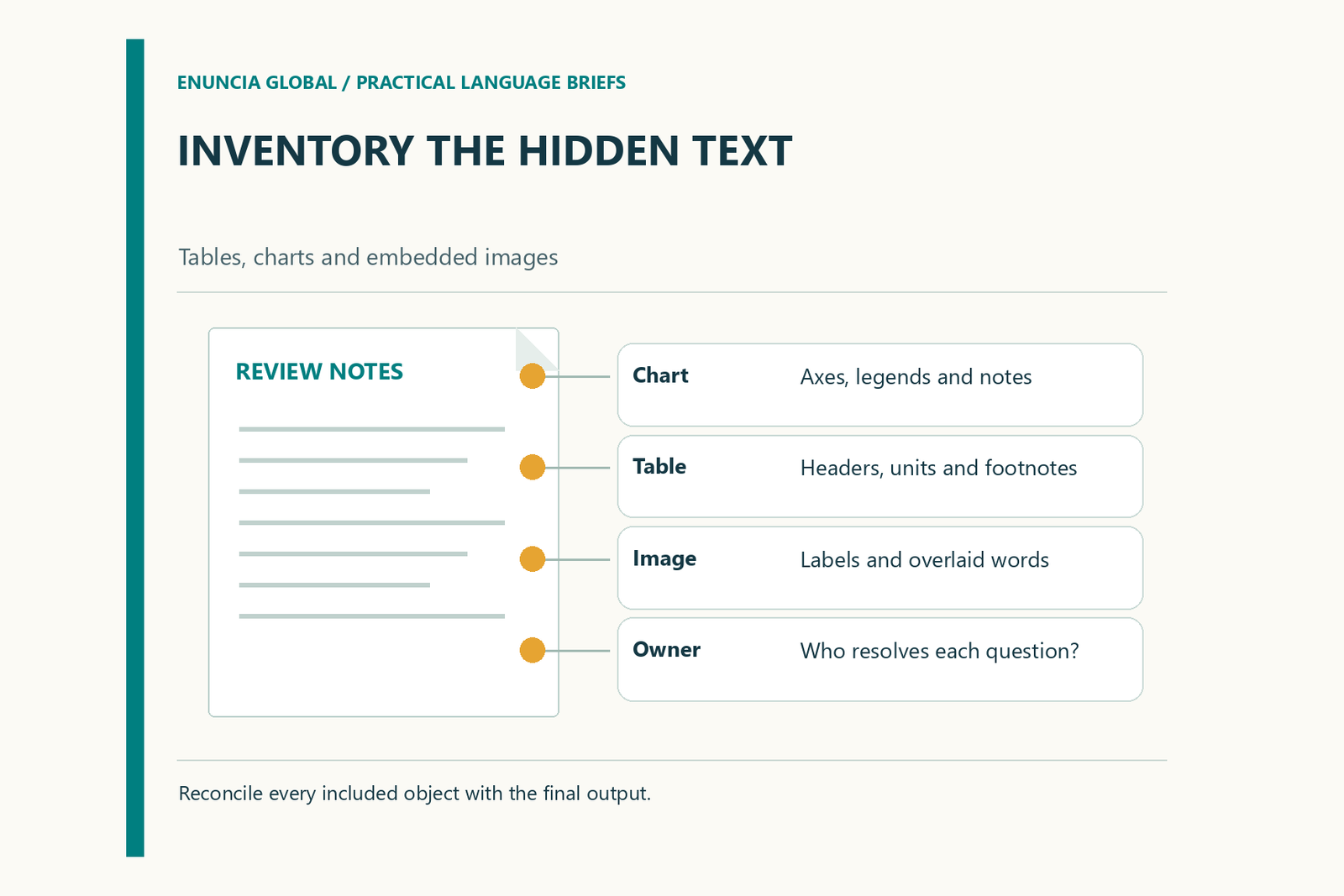
This is an inventory task before it is a word-count task. Its purpose is to make included content visible and assign questions to the right person. It does not require the buyer to extract every label or guess how the production software works.
Give every object a location
Use a stable reference such as page, figure number, sheet name or slide number. “The blue chart” is fragile feedback if the design changes. “Figure 4, legend below the plot” remains understandable when someone opens a different export.
Where the source has no labels, add a separate inventory reference without altering the approved document. Keep a screenshot for context when it is permitted to share one. Record whether the visible words are editable, part of an image, or still awaiting investigation.
Asset inventory template
The following worksheet is blank project structure, with illustrative object types rather than a real client record.
| Reference | Object to inspect | Language-bearing elements | Decision owner | Required treatment |
|---|---|---|---|---|
| Page / figure | Chart | Title, axes, legend, notes | Data owner | Translate labels; preserve approved values |
| Page / table | Table | Headers, units, footnotes | Subject reviewer | Confirm terminology and layout |
| Slide / image | Screenshot | Buttons, errors, visible instructions | Product owner | Replace, annotate or retain by agreement |
| Page / drawing | Diagram | Callouts and part names | Technical contact | Match approved component references |
| Section / photo | Photograph | Signs, labels, overlaid text | Content owner | Decide what the audience needs translated |
Add a status column for “included”, “excluded with reason” or “query”. Exclusion should be a recorded choice. A label should not disappear from the work simply because it is harder to edit than the surrounding paragraph.
Supply the files behind the picture
If you have the chart workbook or editable drawing, identify the approved version and include it through the agreed channel. Keep a PDF or image showing the intended appearance. Production files explain how an object may be changed; the visual reference explains what the reader currently sees.
If the underlying file is unavailable, ask the provider to assess the proposed alternative. Retyping, recreating artwork and adding a separate translated legend are different deliverables. Agree the route before assuming that all text will be replaced in place.
Preserve relationships, not just words
Ask reviewers to check which label belongs to which object. A translated legend can be linguistically sound yet positioned beside the wrong colour. A footnote marker can remain visible while its explanatory note moves to another page.
For numerical material, identify who verifies the figures and units. Translation feedback should not quietly become an instruction to recalculate source data. Record a suspected source error as a query for its owner, then pass the approved answer into production.
Review a complete visual unit
Choose a representative page containing the chart, caption and nearby explanation. Review those components together. Check small-screen or print readability when that is part of the intended use, and confirm that translated text fits without covering the information it describes.
At final handoff, reconcile the completed files against the inventory. Every included object should have an output location or an explicitly unresolved issue. Send this inventory with the language pair and final-format requirements when requesting a translation scope review; it gives the discussion a concrete basis beyond the headline word count.
Request a quotation with your document type, language pair and written requirements.