
What should come back when you ask for a Kannada booklet?
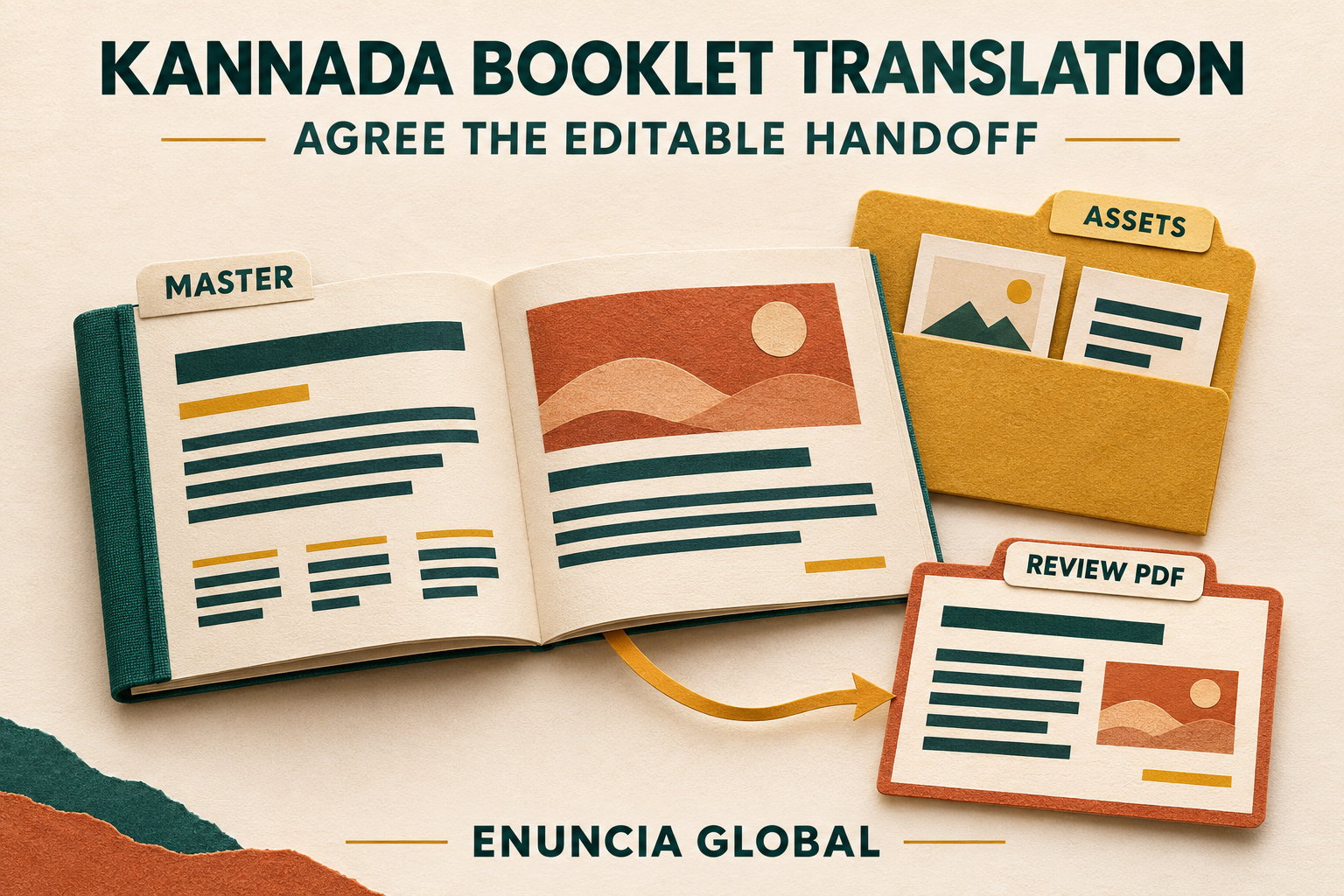
If youre asking your own designer to place the Kannada wording, translated text may be enough. If you expect the booklet ready to edit, agree that handoff separately, with a PDF you can review.
Start With the Booklet Your Designer Approved
Take a hypothetical services booklet. There’s a photograph with the caption “Optional extras” and a table of choices below it. The team wants the approved English information in Kannada.
Which bits can the designer edit? That caption may be live text or part of the picture. A diagram can have words drawn inside it too. Include those words when deciding the scope.
Agree whether the footer text falls within the translation scope too.
Make a short list of approved names, numbers, product terms and references. Keep their agreed forms and meanings. If the team expects a name or label to appear differently, settle that with the owner first.
If you are not sure what a sentence means, ask the owner. A text box isnt a reason to guess.
Of course, Kannada text may need to be re-arranged within a sentence to achieve correct word order and still convey the approved English meaning.
An InDesign File and a PDF Serve Different Purposes
A PDF is a good way to distribute a printed document for people to review. However, a PDF is not an editable InDesign document.
Your designer might have an up-to-date copy of the INDD file as well as an IDML file.
Adobe packaging guidance explains how InDesign can gather a document with selected supporting files: linked graphics, available font files, optional IDML and a print PDF. Activated Adobe Fonts are not copied into the package. Run preflight and resolve missing fonts or links before handoff.
Is the image included? Can the required fonts be used as intended? Does the file include all the content from the approved reference PDF?
Adobe IDML saving guidance describes IDML as useful for compatibility and troubleshooting (including opening the file in supported earlier versions of InDesign). However, it is possible that some of the newest features in the document may not transfer correctly.
Open the returned file in the intended InDesign setup and check it. An IDML extension does not guarantee that everything behaves as it did in the original.
If you only have a PDF, mention it at the beginning. Editable-file preparation needs separate assessment.
Check the Kannada Where It Actually Appears
Let’s return to that hypothetical booklet.
A short English title is placed next to the photograph. The corresponding Kannada text takes up more space than the English title.
The caption below the photograph now has to go to a second line. The short text block on the right hand side of the following page has become very tight. On the following page the table has become very hard to read.
Just because the language has been translated correctly, doesn’t mean that the layout of the text will have worked well.
The actual text placed must be visible. This means all Kannada characters and words must be visible within text frames and none of them should disappear outside of them. In addition, readers should be able to clearly distinguish between headings, body text and captions.
In addition to checking that the descriptions of the photographs are still correct, you should also check that all the page references, the headers and the footers remain correct after layout changes.
Fonts used for English content do not always read Kannada correctly. The designer and translation provider should agree on suitable approved fonts for use and verify that these fonts are available for use in the intended working setup.
Simply changing to a different font will not necessarily solve spacing problems.
And check every page, not only the cover. A booklet can look fine in the first few spreads while a later caption or paragraph gets clipped.
Agree the owner’s or printer’s output requirements. A review PDF helps inspect the work but does not establish print approval.
Agree What Will Be Delivered and Reviewed
Who will confirm the Kannada wording and who will confirm the layout in the end (language reviewer vs. communications/design person)?
Assign a language reviewer to review the Kannada wording for content and proper terminology after placement. The communications/design person can review the layout, images referenced and overall output.
Software preflight can flag file problems, but it does not check whether the Kannada conveys the intended meaning.
Send in the current editable InDesign file or the package (file) as it is today along with the approved reference PDF for quotation.
In your request please include the number of pages, the intended audience, approved terminology, client branding, reference artwork and available fonts. Are you looking for translated word only or full layout work (design + placement) that would need separate assessment (e.g. editable InDesign files INDD or IDML)? Do you require a review PDF only or full assessment of your proposed layout?
Is there any specific output you need (print/digital), are there any restrictions we need to know about regarding access to the file(s), a specific time frame we need to adhere to, and who would then insert the translated wording in the document and who would approve them.
Enuncia Global can evaluate the available material and assess feasible Kannada language and layout work, deliverables and timing through Kannada Translation Services in India and Business Translation Services.
Please send your enquiry to info@enuncia.global or use Get Free Quote with your source files and required output.