
What does your Gujarati Visio flowchart translation quote include? Will this be translated text that your own specialist can then map to the various objects in the diagram, or does placement in the editable drawing need separate assessment, with a readable review copy? It’s always worth asking this question of a translation provider before you start processing the files.
What to ask for in the enquiry
The following is a hypothetical request from an operations manager with a three-page training flowchart for internal requests: “Please provide a quotation for translation of the shape and connector label wording (legend and page names too) for this approved reference PDF file plus accompanying glossary and object references. The wording will be placed in the diagram by the client from a ‘mapped table’. Quote for placement in the editable Visio file plus also provision of a Review PDF file separately.”
You might take a simple screenshot of the area in question to illustrate the complexity of the translation work required. But keep in mind that renaming the extension of a PDF file does not make it an editable Visio drawing. The screenshot can illustrate the detail in question, but it is not the editable source.
Is the current source being used by the diagram owner or are previous versions of the Reference PDFs being used which contain words that have since changed? It is easy to get similar named files and not know that you are using a previous version.
The label beside the arrow
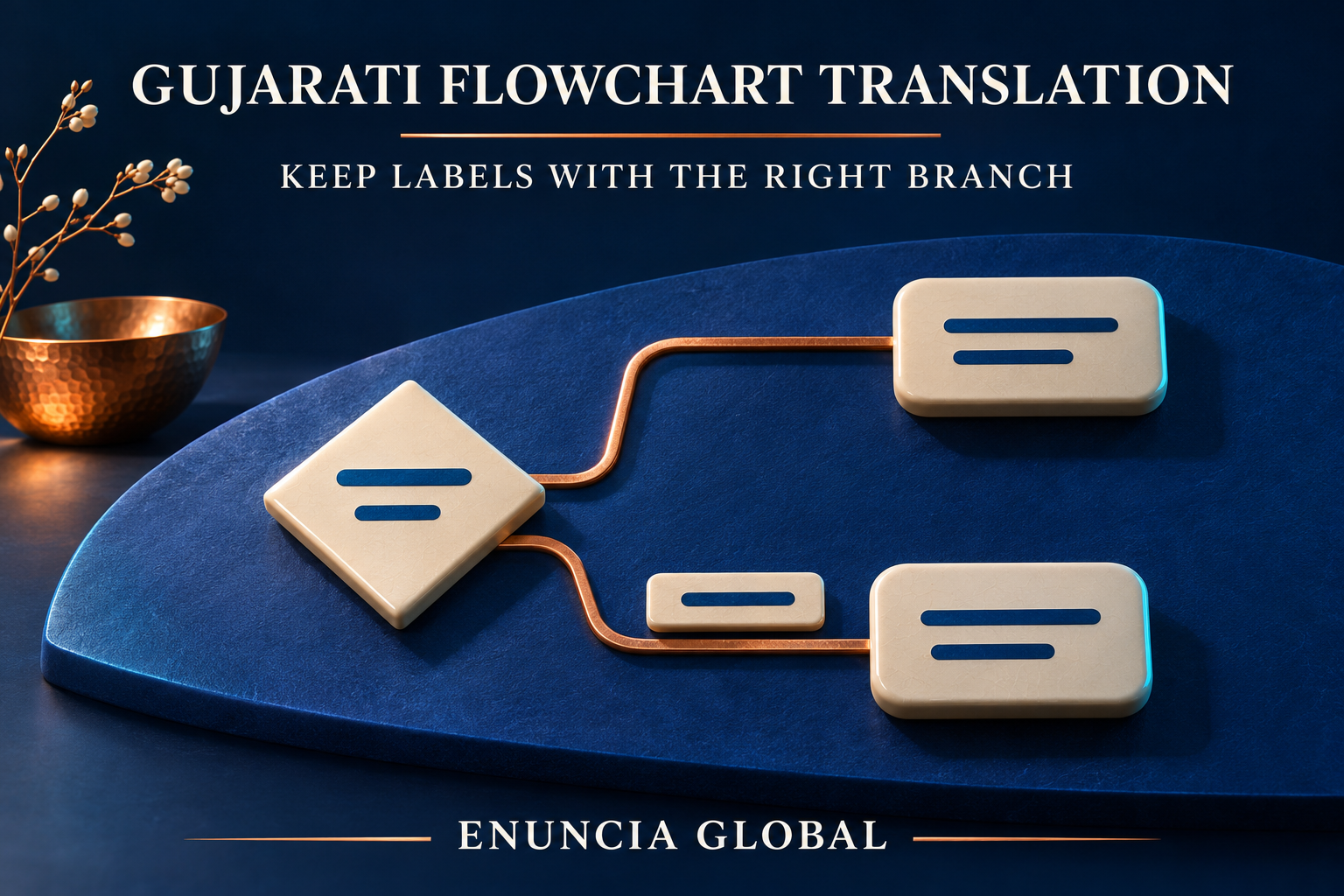
In that hypothetical chart, two arrows come out of a decision diamond. The English label to the upper line of the diamond is ‘Review required’. The lower line goes to a different approved step. When the Gujarati wording is added, it may wrap to a different line and then someone has shifted the translated label so that it is near the lower line of the diamond instead of the upper line. Misleading as it now reads as if that condition is to be associated with that lower line of the diamond instead.
Ask the diagram owner for stable object references or for an approved label map that outlines which words belong to which shape, connector or page location. Keep shape IDs, process codes, approved names, numbers and arrow directions unchanged. Query ambiguous English with the owner. If identical words are used at different steps, list them separately for each step (even if the words are identical).
Text in the drawing
Microsoft Visio text guidance explains how to select grouped text and independent page text box content. You select the corresponding object when you want to move grouped text. Using the Text Block tool, you can even make text move independently of the corresponding shape. Be careful though when you use the Pointer tool to move text as it can also move the underlying shape and that might not be what you wanted to do.
Microsoft connector text guidance describes wording that can be edited separately from the connector itself. The connector text box is a special case and cannot be filled with a color or resized like a normal Text Box shape. However you can change the font and the alignment of the text within the connector text box. Note that there is a limit of one connector text box per connector. Where a number of connectors meet, check each connector to see which connector owns the label.
Decide on any further content that you need to include in Gujarati such as diagram title, legend, further explanation within the drawing or even page names. Note that any English text within images that have been embedded into the drawing or pasted screenshots may need separate source material or preparation. Establish the scope of the required work and do not assume that all such text will be editable.
What comes back for review
Have you checked the returned editable drawing file (as opposed to the review PDF) to see if any work has been missed? Open up the returned file in your normal environment and compare all the pages of the translated file against the approved English version and against the review copy that was agreed. Check that all specified fonts have been used. Check that all Gujarati characters are complete and not cut off. Check that no text has been placed over the arrows or outside of the corresponding shapes.
Incorporating additional Gujarati wording may require further space within the diagram. Agree any diagram reorganisation and accompanying layout work separately. Connections between the ends of the arrows and corresponding labels must be checked after any reorganization of the content in order to ensure that no conditions have been ‘cut’ in order to allow for additional text to be incorporated. Language approval and process approval are two separate activities. The Gujarati language reviewer approves the wording, terminology and overall clarity of the text; the operations/process owner approves the meaning of the various branches, approved codes used, approved workflow etc. Translation review is not engineering approval, safety approval or compliance approval. Clearly identify the source document and corresponding translated versions throughout.
Enuncia Global can assess feasible language work, deliverables and timing, along with separately requested diagram layout work. Say who will insert the words and who approves language, layout and process.
Enuncia Global provides a quote for Gujarati process diagrams translation. Please send an email to info@enuncia.global with the following details: Current editable Visio drawing(s) plus approved reference copy of drawing(s). Number of pages/diagrams to be translated. Specific labels to be translated. Any specific glossary or object references. Intended software environment. Required editable and review copies. Any restrictions on privacy. Desired completion date. Approval roles and processes of the buyer. Use our Get Free Quote form on this website to send us your details for our Gujarati Translation Services in India and Business Translation Services.