
A slide designed around one sentence length may have little room for the equivalent message in another language. The response should be a review of wording, layout and teaching purpose, not an automatic reduction of every font. Begin by identifying which information the learner must see and which material belongs in narration or presenter notes.
Provide the editable deck, reference PDF, fonts where permitted and any linked images or charts. Identify the approved source revision. If the slides are part of a video or lesson, include those dependencies so the team can assess changes in context.
Separate content from presentation decisions
Ask the training owner which statements, warnings, labels and references must remain visible. Explain whether the language team may propose concise wording and whether the designer may change the layout. Keep the approver for each decision explicit.
Do not assume that a shorter translation is automatically better. It may omit a condition or make a technical instruction less clear. Equally, preserving every source-language word in the same box may not preserve a usable learning experience.
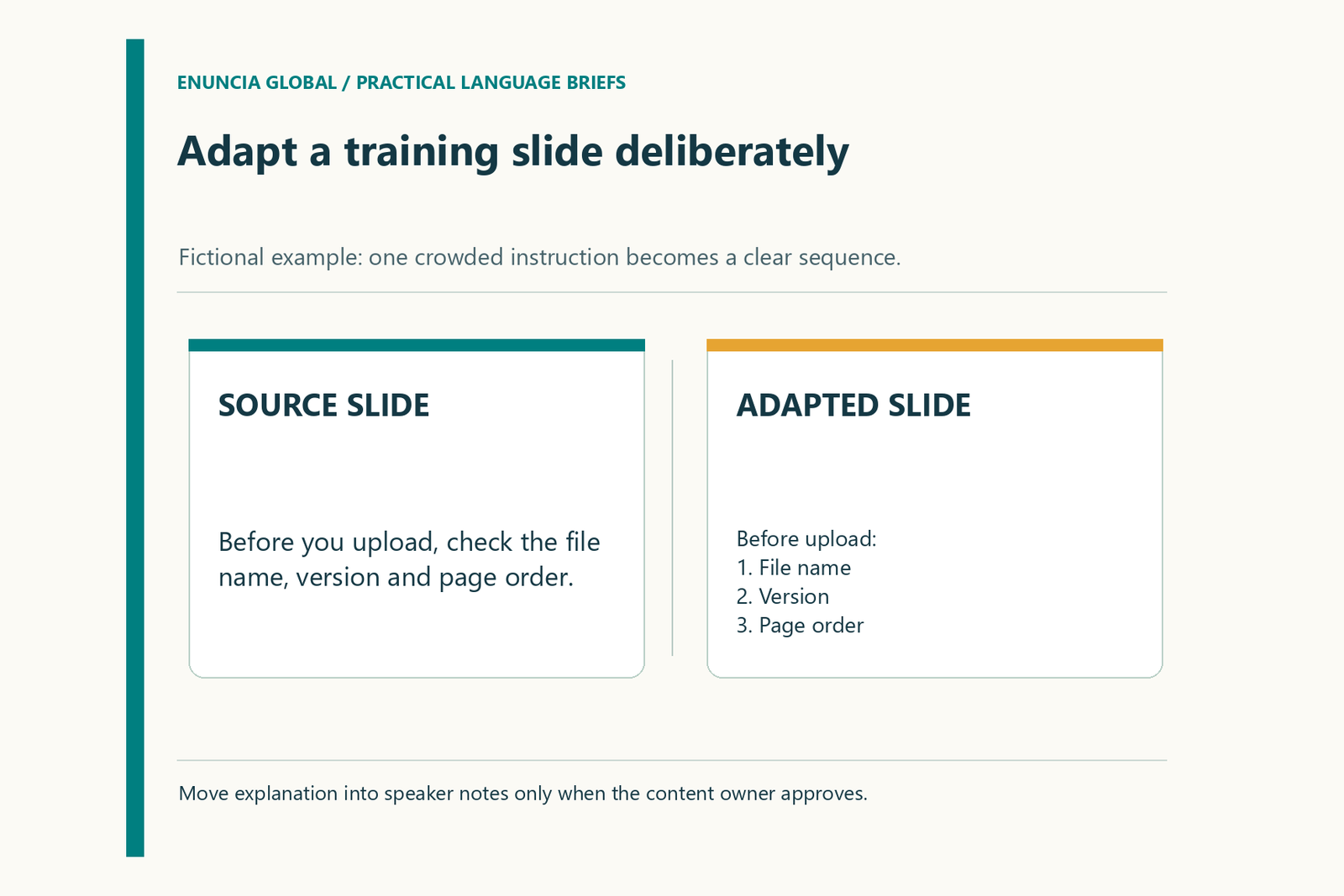
A fictional slide adaptation example
Imagine a slide with a heading, four long instruction blocks and a process diagram. This is an invented teaching example, not a real client slide.
| Element | Initial layout pressure | Adaptation to assess | Approval needed |
|---|---|---|---|
| Heading | Translated wording wraps into the diagram | Revise heading space or propose concise wording | Training and language owners |
| Instruction blocks | Text competes with the visual | Split the content across two slides | Learning-content owner |
| Diagram labels | Longer terms crowd the arrows | Reposition labels while preserving relationships | Subject and layout reviewers |
| Supporting explanation | Detail is important but not required on screen | Move approved detail to notes or narration | Training owner |
The table presents options to review, not a rule that every crowded slide should be split. Test whether the proposed arrangement still supports the lesson's sequence and audience.
Review charts and embedded text separately
Identify labels inside images, legends, axes and captions. Supply editable sources where available and ask how unavailable artwork will be handled. Recreating a diagram, translating a separate legend and replacing image text are different production tasks.
Check that every label remains associated with the correct object after adaptation. A neat slide can still teach the wrong relationship if a caption moves beside a different component. Assign technical meaning to the appropriate subject reviewer.
Include presenter notes and timing
Tell the team whether notes will be translated and whether the presenter follows them closely. If the deck has narration or subtitles, identify the approved script and version. A layout change may require a new reference in the spoken explanation or a revised transition between slides.
Review a complete teaching segment rather than a single attractive slide. Ask whether the learner receives the necessary information in a sensible order and whether the presenter has the supporting material promised by the brief.
Approve the final format
Inspect the rendered deck or video in the intended display conditions. Check clipping, font behaviour, table alignment and image labels. Record language, subject and layout reviews separately so approval does not imply a check that never happened.
Bring a difficult representative slide to a training localisation discussion. It allows the scope to reflect real adaptation work without promising exact visual identity or treating text fitting as a purely linguistic problem.
Request a quotation with your document type, language pair and written requirements.