
Time-Coded Caption Files for SRT, VTT and Platform Delivery
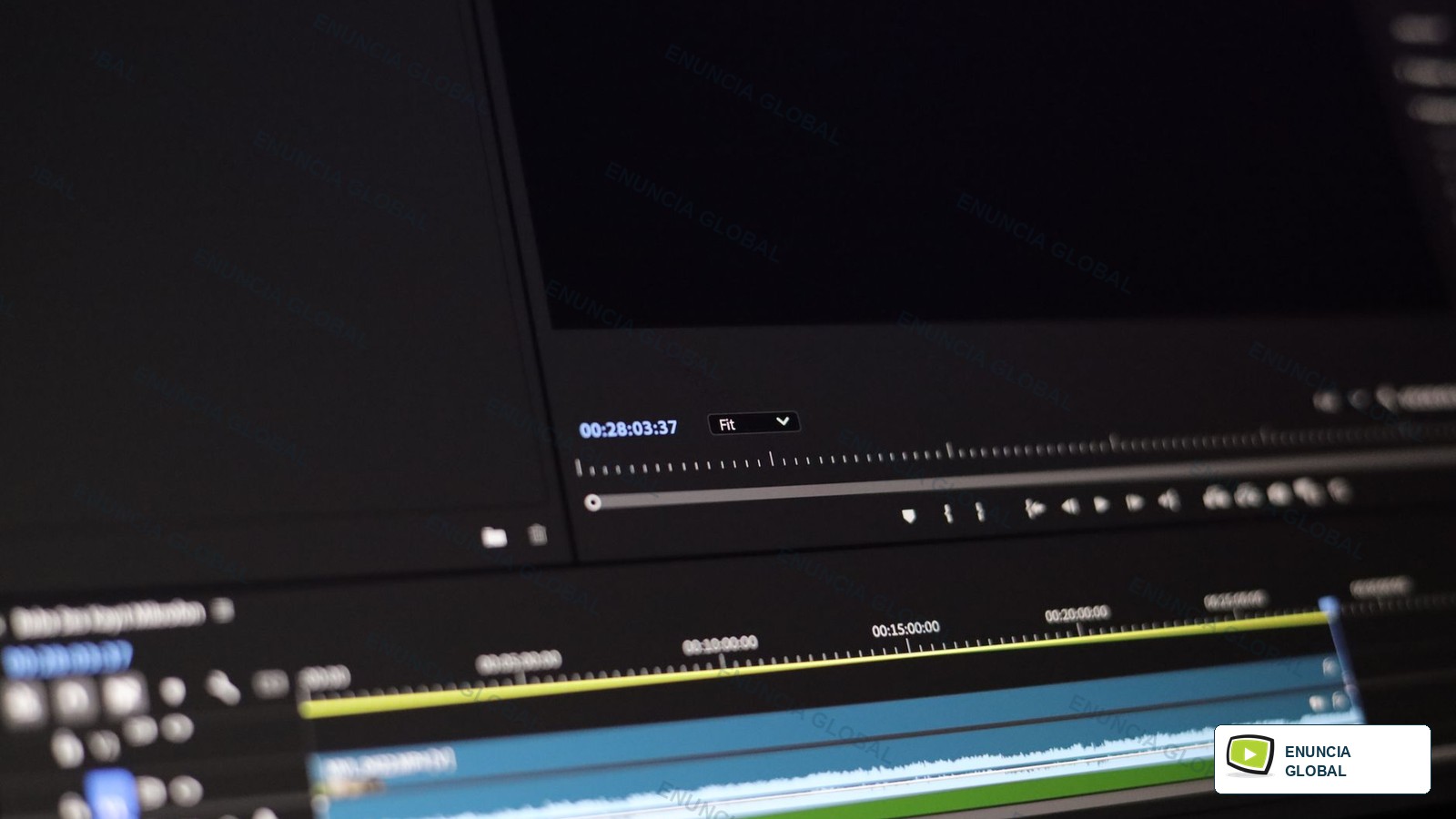
Time-coded caption files carry text plus in-time and out-time values so a video platform can display captions at the right moment. A few seconds of drift can make a training video, interview or social clip feel careless.
Enuncia Global prepares and checks caption files for timing, readability, encoding, extension format and final platform use.
Who This Service Is For
Time-Coded Caption Files is written for editors, course teams, media managers and agencies that need timed-text files rather than only transcript text.
A time-coded caption file is not just a transcript with timestamps. It must line up with video frames, reading speed, line breaks and platform requirements.
What Makes This Page Different
The page is built around time-coded caption files, not a copied list of broad language-service promises.
Useful page depth comes from concrete examples, route checks, quality risks, deliverables, intake details and links to related Enuncia services.
Use Case Route Table
| Use case | Main review point | Risk to avoid |
|---|---|---|
| SRT files | start time | timecodes overlap |
| WebVTT files | end time | captions start before speech |
| YouTube captions | caption duration | text stays too long after the speaker stops |
| LMS course videos | line length | line endings break the upload |
| webinar clips | reading speed | VTT settings are not accepted |
| training modules | overlap | caption files are saved with the wrong encoding |
| social videos | file encoding | timecodes overlap |
| accessibility uploads | cue numbering | captions start before speech |
Practical Client Scenarios
- SRT files usually needs start time, line length and a clear note about SRT file.
- For WebVTT files, Enuncia asks about existing transcript if any before deciding whether SRT block needs special handling.
- A brief involving YouTube captions can change when text stays too long after the speaker stops, so the team checks the final reader early.
- When LMS course videos is urgent, the safer route is to confirm platform format before polishing the final format.
- Clients sending webinar clips should mention frame boundary and whether the output will be reused later.
- A reviewer looking at training modules may compare export warning with platform preview.
- The delivery note for social videos should name caption timing report instead of saying only that the file is complete.
- Before accessibility uploads is treated as ready, Enuncia checks whether caption duration will affect the next user.
What Enuncia Checks Before Quoting
- Check start time against WEBVTT header before the file is marked ready.
- Review end time when line endings break the upload, because the final user may notice it first.
- Confirm caption duration if required extension is missing or unclear.
- Record line length in the handoff note so caption timing report is not guessed later.
- Check reading speed against frame boundary before the file is marked ready.
- Review overlap when captions start before speech, because the final user may notice it first.
- Confirm file encoding if deadline is missing or unclear.
- Record cue numbering in the handoff note so sync correction notes is not guessed later.
- Check platform format against 00:00 cue before the file is marked ready.
- Review speaker labels when caption files are saved with the wrong encoding, because the final user may notice it first.
- Confirm sound cues if platform is missing or unclear.
- Record final sync in the handoff note so VTT file is not guessed later.
Quality Risks To Avoid
- Risk 1: timecodes overlap; prevent it by capturing existing transcript if any and checking file encoding before delivery.
- Risk 2: captions start before speech; prevent it by capturing required extension and checking cue numbering before delivery.
- Risk 3: text stays too long after the speaker stops; prevent it by capturing platform and checking platform format before delivery.
- Risk 4: line endings break the upload; prevent it by capturing caption style and checking speaker labels before delivery.
- Risk 5: VTT settings are not accepted; prevent it by capturing speaker-label rule and checking sound cues before delivery.
- Risk 6: caption files are saved with the wrong encoding; prevent it by capturing deadline and checking final sync before delivery.
Workflow
- Share video file, existing transcript if any, required extension and the final use of the file.
- Enuncia reviews start time, end time, caption duration, line length before confirming the route.
- The team prepares SRT file, VTT file, sync correction notes according to the approved brief.
- A reviewer checks 00:00 cue, speaker turn, caption number, SRT block so the output is not just a generic service file.
- Any unclear point is returned for confirmation before final handover.
- The finished file is delivered with the agreed format, naming and next-action note.
Review Points That Make This Page Useful
- Review point 1: 00:00 cue is reviewed in relation to SRT file and the stated time-coded caption files purpose.
- Review point 2: speaker turn is reviewed in relation to VTT file and the stated time-coded caption files purpose.
- Review point 3: caption number is reviewed in relation to sync correction notes and the stated time-coded caption files purpose.
- Review point 4: SRT block is reviewed in relation to caption timing report and the stated time-coded caption files purpose.
- Review point 5: WEBVTT header is reviewed in relation to platform upload support and the stated time-coded caption files purpose.
- Review point 6: line break is reviewed in relation to SRT file and the stated time-coded caption files purpose.
- Review point 7: export warning is reviewed in relation to VTT file and the stated time-coded caption files purpose.
- Review point 8: sync drift is reviewed in relation to sync correction notes and the stated time-coded caption files purpose.
- Review point 9: frame boundary is reviewed in relation to caption timing report and the stated time-coded caption files purpose.
- Review point 10: music cue is reviewed in relation to platform upload support and the stated time-coded caption files purpose.
- Review point 11: upload test is reviewed in relation to SRT file and the stated time-coded caption files purpose.
- Review point 12: platform preview is reviewed in relation to VTT file and the stated time-coded caption files purpose.
What To Share
- video file
- existing transcript if any
- required extension
- platform
- caption style
- speaker-label rule
- deadline
Expected Deliverables
- SRT file
- VTT file
- sync correction notes
- caption timing report
- platform upload support
Helpful Official Reference
External references are used sparingly on Enuncia Global pages when they help a reader verify standards, accessibility, search or document-route context.
FAQs
Can Enuncia create captions from a transcript?
Yes, if the video is available for timing and sync review.
Can VTT files be prepared?
Yes. WebVTT requirements should be checked against the destination platform.
Can timing be fixed without rewriting text?
Yes, when the existing caption wording is acceptable.
Send Files For Review
Share the source file, target language or platform, final use, deadline and any receiver instruction. Enuncia Global will confirm the practical time-coded caption files route before work starts.