
A source-page change is not complete across a multilingual site until the affected language versions have been identified and reviewed. The update may reach beyond the visible paragraph: a heading, form instruction, download or confirmation message may repeat the same information elsewhere. A locale tracker helps the release owner see where the change has actually arrived.
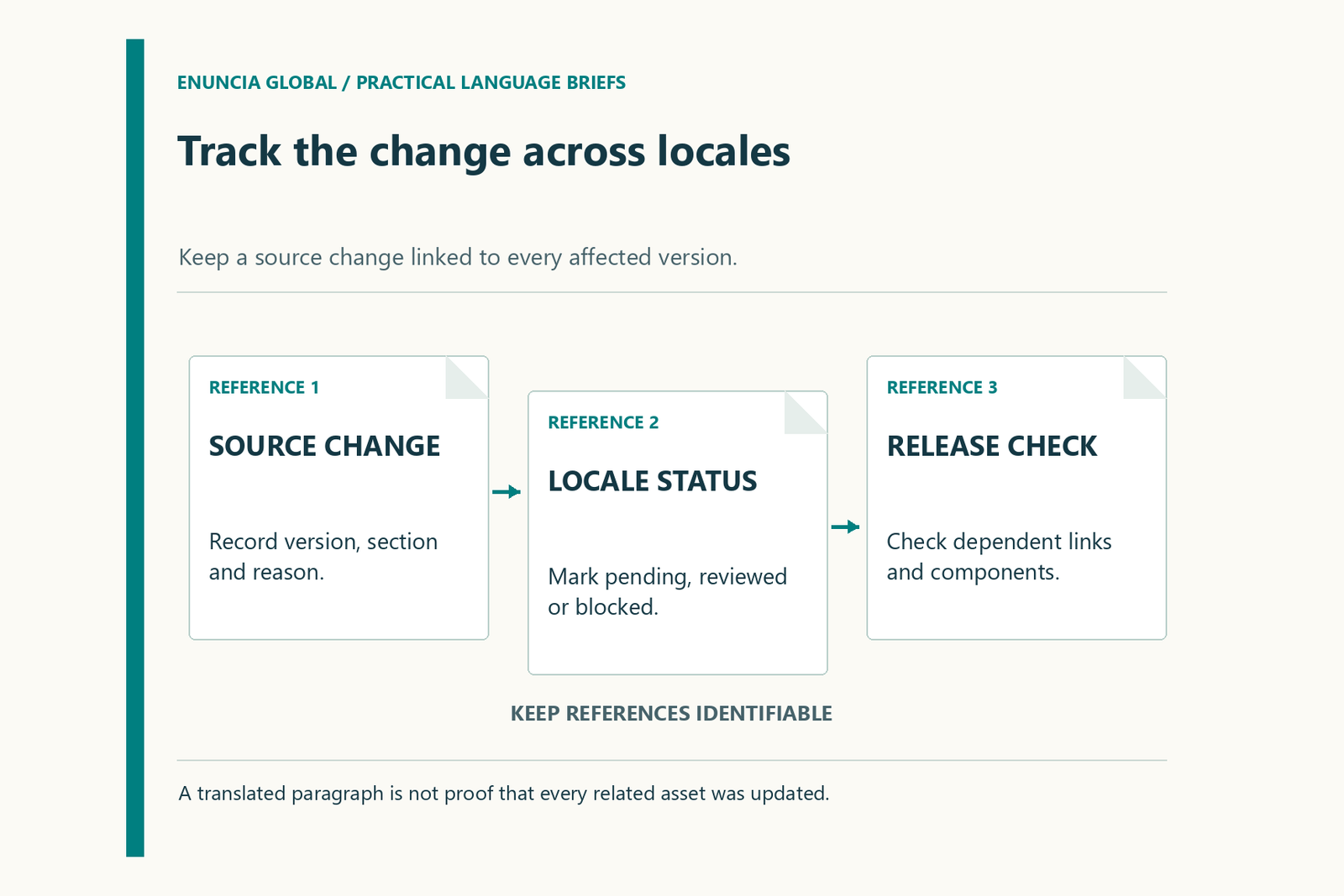
Begin with a stable source revision and a specific change description. “Please update the page” leaves the language team to compare entire files and guess whether differences are intentional. A short change log gives the work a clearer boundary.
Record the decision behind the edit
State what changed, why and who approved it. Distinguish a corrected fact from a stylistic rewrite or a new service arrangement. If the change affects an operational promise, identify the responsible owner who confirmed that promise.
Include the old and new wording, affected URL and any linked components. Keep the approved source available as a reference. A screenshot can show placement, but it should not be the only evidence of which wording the translation must follow.
Locale update tracker
Use one row per affected locale and component. The entries below are fictional status examples, not claims about a real release.
| Component | Source change reference | Locale | Translation status | Implementation status | Review status |
|---|---|---|---|---|---|
| Service-page paragraph | Change 01, approved revision | Language A | Reviewed | Placed in staging | Rendered check pending |
| Enquiry help text | Change 01, approved revision | Language A | Query open | Not placed | Awaiting owner answer |
| Service-page paragraph | Change 01, approved revision | Language B | In preparation | Not placed | Not reviewed |
| Linked download | Change 02, approved revision | Language B | Reviewed | Updated file supplied | Link check pending |
Add an owner and next action to every incomplete row. Avoid a single “done” column that conceals whether the translation, implementation or final check is still outstanding.
Look for dependent content
Search the site's maintained content inventory for the old term or instruction. Ask the product team whether the information also appears in menus, forms, emails or reusable components. Record the scope you checked rather than claiming that one search proves every occurrence has been found.
If a linked document changes, identify the file version and the pages that reference it. A translated page can be current while its download remains stale. Keep the relationship visible in the tracker.
Control late source revisions
When the source changes again during translation, issue a new change reference and identify the affected work. Do not silently replace the file and expect every language reviewer to discover the difference. Ask the release owner how to handle versions already implemented or approved.
Keep terminology decisions available across locales, while allowing qualified reviewers to explain language-specific choices. Consistency means preserving the same approved information, not forcing identical sentence structure into every version.
Verify the released result
Review the implemented pages or messages against the approved language files. Follow relevant links and interactions using permitted test data. Record the environment and version checked, including any locale that remains on an earlier source revision.
If a partial release is necessary, make the scope and owner decision explicit. Do not describe the whole multilingual update as complete when some rows still have open work.
Use this tracker when requesting a website localisation update. It provides a practical route from source decision to language review, implementation and final verification, while leaving a usable record for the next person who maintains the page.
Request a quotation with your document type, language pair and written requirements.