
Video Transcription for Interviews, Training and Review Notes
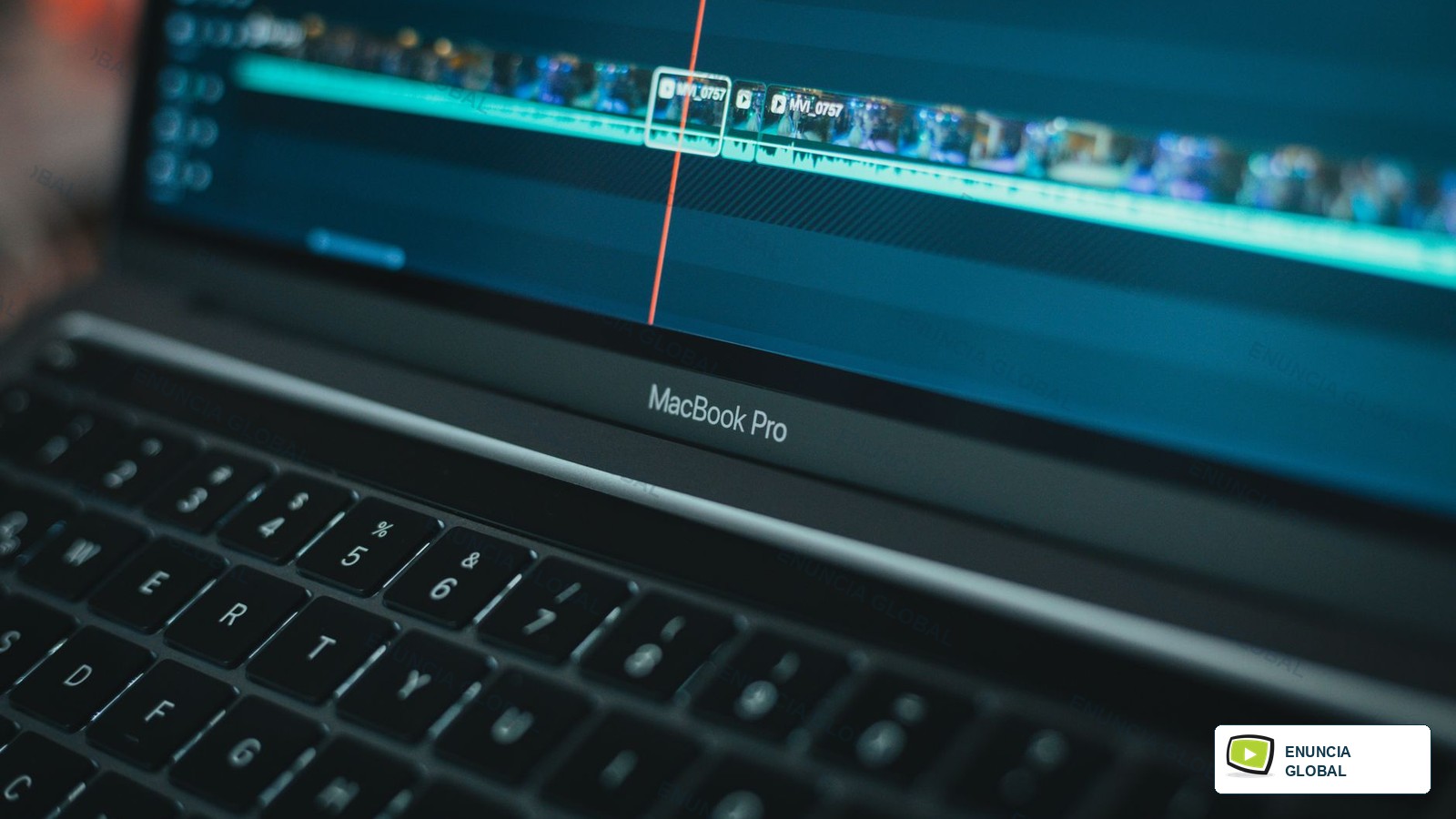
Video transcription services convert spoken content from video into usable text. Enuncia Global reviews the recording quality, speaker count, visual context, on-screen text and intended output before treating the job as a simple typing task.
A transcript can support subtitle creation, content repurposing, legal review, training documentation, research analysis, accessibility planning or internal search.
Who This Service Is For
Video Transcription Services is written for teams that need spoken video content turned into readable text for editing, review, subtitles, research or records.
Video transcription differs from audio transcription because visual context, on-screen text, speaker changes and scene cues may affect meaning.
What Makes This Page Different
The page is built around video transcription, not a copied list of broad language-service promises.
Useful page depth comes from concrete examples, route checks, quality risks, deliverables, intake details and links to related Enuncia services.
Use Case Route Table
| Use case | Main review point | Risk to avoid |
|---|---|---|
| interview videos | speaker changes | visual instructions are ignored |
| training videos | on-screen text | slide references make no sense in text |
| corporate films | slide references | speakers are merged incorrectly |
| event recordings | visual demonstrations | subtitles are requested later without timing notes |
| webinar videos | timestamp need | background speech is over-captured |
| research footage | verbatim level | important on-screen labels are missing |
| product demos | audio clarity | visual instructions are ignored |
| social media clips | background noise | slide references make no sense in text |
Practical Client Scenarios
- interview videos usually needs speaker changes, visual demonstrations and a clear note about clean transcript.
- For training videos, Enuncia asks about purpose of transcript before deciding whether gesture reference needs special handling.
- A brief involving corporate films can change when speakers are merged incorrectly, so the team checks the final reader early.
- When event recordings is urgent, the safer route is to confirm language switching before polishing the final format.
- Clients sending webinar videos should mention brand phrase and whether the output will be reused later.
- A reviewer looking at research footage may compare caption candidate with editing note.
- The delivery note for product demos should name subtitle-ready transcript instead of saying only that the file is complete.
- Before social media clips is treated as ready, Enuncia checks whether slide references will affect the next user.
What Enuncia Checks Before Quoting
- Check speaker changes against demo step before the file is marked ready.
- Review on-screen text when subtitles are requested later without timing notes, because the final user may notice it first.
- Confirm slide references if speaker names is missing or unclear.
- Record visual demonstrations in the handoff note so subtitle-ready transcript is not guessed later.
- Check timestamp need against brand phrase before the file is marked ready.
- Review verbatim level when slide references make no sense in text, because the final user may notice it first.
- Confirm audio clarity if deadline is missing or unclear.
- Record background noise in the handoff note so timestamped transcript is not guessed later.
- Check language switching against speaker on camera before the file is marked ready.
- Review terminology when important on-screen labels are missing, because the final user may notice it first.
- Confirm confidential scenes if timestamp need is missing or unclear.
- Record subtitle follow-up in the handoff note so verbatim transcript is not guessed later.
Quality Risks To Avoid
- Risk 1: visual instructions are ignored; prevent it by capturing purpose of transcript and checking audio clarity before delivery.
- Risk 2: slide references make no sense in text; prevent it by capturing speaker names and checking background noise before delivery.
- Risk 3: speakers are merged incorrectly; prevent it by capturing timestamp need and checking language switching before delivery.
- Risk 4: subtitles are requested later without timing notes; prevent it by capturing verbatim level and checking terminology before delivery.
- Risk 5: background speech is over-captured; prevent it by capturing subtitle need and checking confidential scenes before delivery.
- Risk 6: important on-screen labels are missing; prevent it by capturing deadline and checking subtitle follow-up before delivery.
Workflow
- Share video file or link, purpose of transcript, speaker names and the final use of the file.
- Enuncia reviews speaker changes, on-screen text, slide references, visual demonstrations before confirming the route.
- The team prepares clean transcript, verbatim transcript, timestamped transcript according to the approved brief.
- A reviewer checks speaker on camera, slide title, product screen, gesture reference so the output is not just a generic service file.
- Any unclear point is returned for confirmation before final handover.
- The finished file is delivered with the agreed format, naming and next-action note.
Project Notes That Change The Work
Video transcription often needs small visual notes that an audio-only transcript would never capture. A product demo may refer to a button on screen, a trainer may point to a slide, and an interview subject may respond to something visible rather than spoken.
When the transcript will later become subtitles, Enuncia keeps an eye on sentence length and segment boundaries from the start. That avoids a second round where perfectly readable paragraphs must be broken apart for timed display.
Review Points That Make This Page Useful
- Review point 1: speaker on camera is reviewed in relation to clean transcript and the stated video transcription purpose.
- Review point 2: slide title is reviewed in relation to verbatim transcript and the stated video transcription purpose.
- Review point 3: product screen is reviewed in relation to timestamped transcript and the stated video transcription purpose.
- Review point 4: gesture reference is reviewed in relation to subtitle-ready transcript and the stated video transcription purpose.
- Review point 5: demo step is reviewed in relation to speaker notes and the stated video transcription purpose.
- Review point 6: scene change is reviewed in relation to clean transcript and the stated video transcription purpose.
- Review point 7: caption candidate is reviewed in relation to verbatim transcript and the stated video transcription purpose.
- Review point 8: name spelling is reviewed in relation to timestamped transcript and the stated video transcription purpose.
- Review point 9: brand phrase is reviewed in relation to subtitle-ready transcript and the stated video transcription purpose.
- Review point 10: timestamp cue is reviewed in relation to speaker notes and the stated video transcription purpose.
- Review point 11: inaudible moment is reviewed in relation to clean transcript and the stated video transcription purpose.
- Review point 12: editing note is reviewed in relation to verbatim transcript and the stated video transcription purpose.
What To Share
- video file or link
- purpose of transcript
- speaker names
- timestamp need
- verbatim level
- subtitle need
- deadline
Expected Deliverables
- clean transcript
- verbatim transcript
- timestamped transcript
- subtitle-ready transcript
- speaker notes
FAQs
Can Enuncia transcribe long videos?
Yes, after reviewing length, audio quality, speaker count and deadline.
Can a transcript become subtitles later?
Yes, but subtitle timing is a separate step.
Should on-screen text be included?
Important visual text should be flagged when it affects meaning.
Send Files For Review
Share the source file, target language or platform, final use, deadline and any receiver instruction. Enuncia Global will confirm the practical video transcription route before work starts.